Tech Tip: Search Documents
September 6, 2022
|
Easily search your system for documents based on their status!
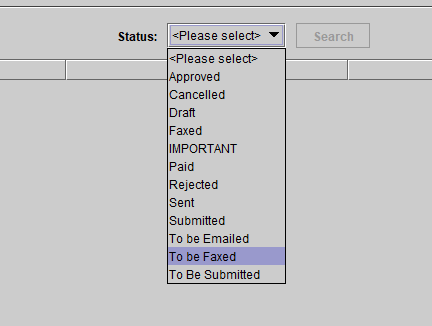
Saved documents can be assigned preset statuses that can represent various types of follow-up required by staff (example: To be faxed).

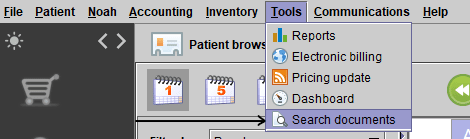
Under Tools in the drop-down menu, select Search documents.
Select an available status from the menu.
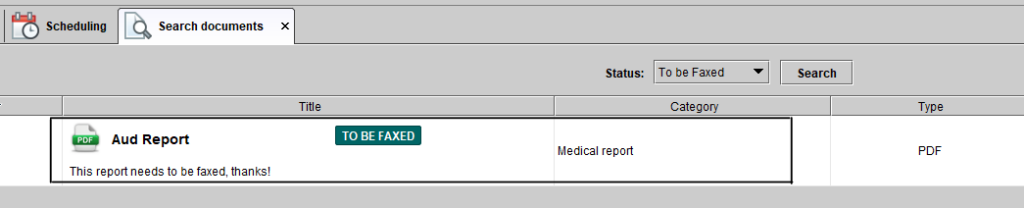
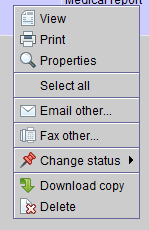
Finally, any of the documents tagged with this status will appear below. You can right-click on a document for a menu of options.


No comments